




What Are Touch Panel Monitors?
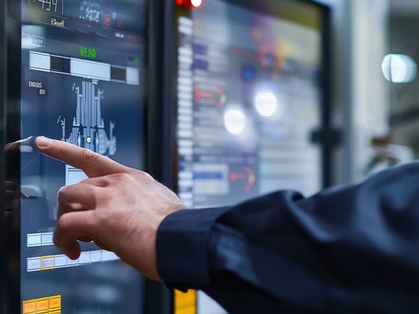
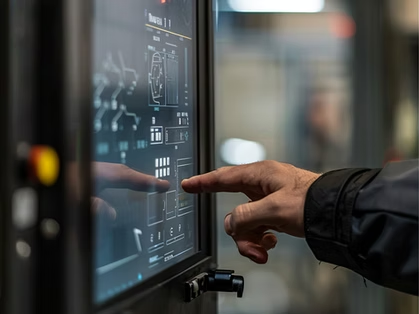
Touch panel monitors enable intuitive interaction with digital content, eliminating the need for a traditional mouse and keyboard setup. Users can touch, tap, or swipe to receive a desired response. These input/output (I/O) devices typically use resistive or capacitive technology to detect touch, making them an ideal solution for point-of-sale (POS) systems, kiosks, and interactive displays.
Industrial touch panels offer the following advantages:
- Accessibility. People of all ages and abilities can benefit from the simplicity of touchscreen interfaces.
- Enhanced user experience. Onscreen keyboards, swipe navigation, and pinch-to-zoom have transformed how users interact with digital content.
- Greater productivity. Faster, more efficient interaction.
- Space efficiency. The compact, streamlined design eliminates the need for bulky input devices.
- Versatility. On-screen elements and user interfaces can be directly manipulated to create a user-friendly environment.

Touch Panel Technologies for Industrial Use
Industrial touch panels provide cost-effective, high-performance solutions that can be individualized to meet a customer's exact needs. At DCLTEK, we streamline the prototyping, design, and delivery process to ensure a seamless experience that addresses the unique challenges of a diverse range of applications, such as:
Commercial Building Door Entry Systems
Beer and Wine Smart Dispensers, Coca-Cola Freestyle Machines, Commercial Coffee Makers
Factory Floor Automation, Fleet Management, Warehouse Terminals
Analyzers, Calibration Tools, Oscilloscopes
Service and Industrial Robots
Commercial Smart Devices
Capacitive vs. Resistive Touch Panels
Two of the most common touch-enabled solutions are capacitive and resistive touch panels, both impacting user experience in different ways.
Capacitive Touch Panels
A capacitive touch panel monitor, common in laptops, tablets, and smartphones, offers high sensitivity, brightness, and optical clarity. A transparent conductive layer creates an electrostatic field on the screen. When a finger touches the display, it disrupts the field, changing capacitance. Software interprets this change to determine the precise touch location and responds accordingly.
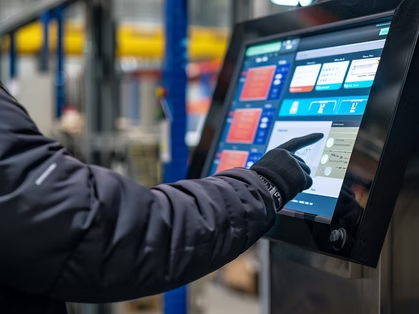
These durable screens have no moving parts and support multi-touch gestures. They perform well with conductive styluses or bare fingers but do not respond to plastic styluses, gloves, or other non-conductive items.
Resistive Touch Panels
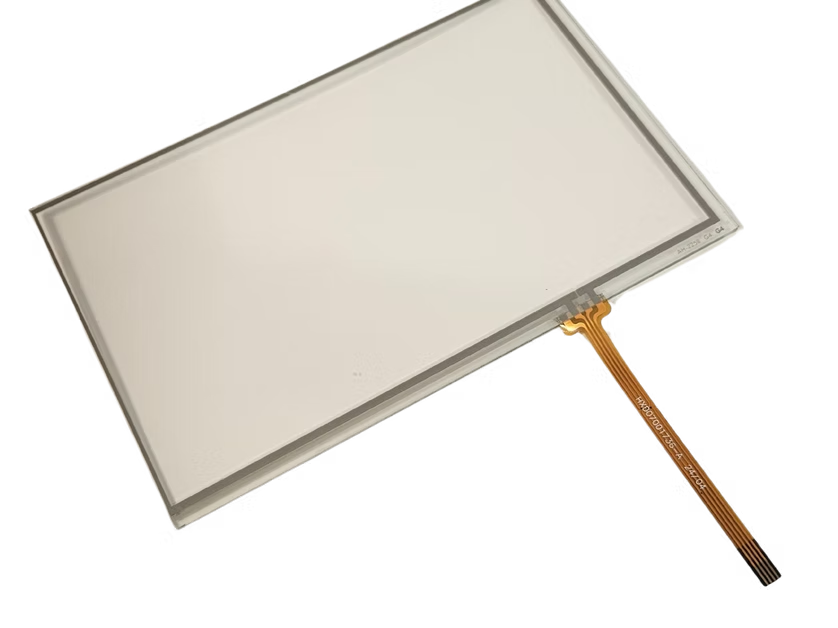
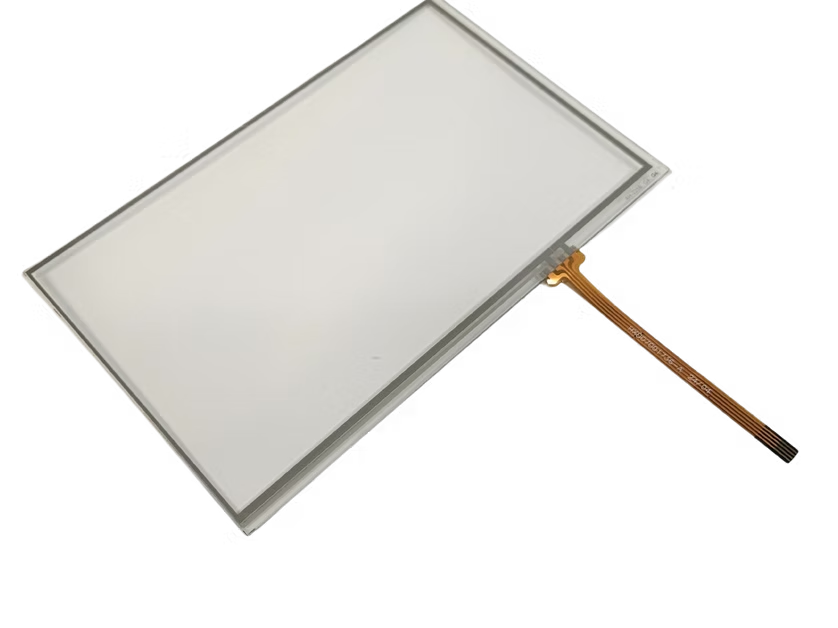
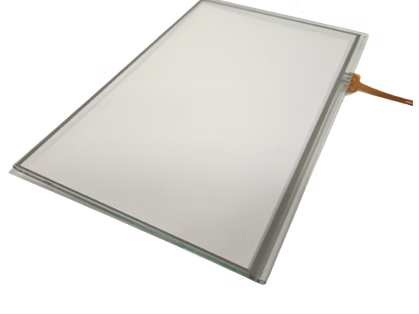
A resistive touch panel monitor detects touch through pressure rather than electrical conductivity. The display screen consists of two flexible layers separated by a thin gap, each coated with a resistive material. When pressed, the layers make contact, causing voltage changes that the system measures to determine the exact location of the touch.
These screens lack the clarity and sensitivity of capacitive screens, but they can be operated with a gloved hand, stylus, or finger. They are typically less expensive and more durable than other types of screens and work well in wet or dusty environments.
Touch Accuracy, Durability, and Environmental Performance
Tuning significantly improves the accuracy, durability, and environmental performance of industrial touch screens, supporting:

Adaptive firmware adjustments enhance stability and responsiveness, optimizing usability and the visual quality of the cover lens while meeting durability and optical performance expectations in demanding operational environments.

Adaptive firmware adjustments enhance stability and responsiveness, optimizing usability and the visual quality of the cover lens while meeting durability and optical performance expectations in demanding operational environments.

Adaptive firmware adjustments enhance stability and responsiveness, optimizing usability and the visual quality of the cover lens while meeting durability and optical performance expectations in demanding operational environments.

Adaptive firmware adjustments enhance stability and responsiveness, optimizing usability and the visual quality of the cover lens while meeting durability and optical performance expectations in demanding operational environments.

Adaptive firmware adjustments enhance stability and responsiveness, optimizing usability and the visual quality of the cover lens while meeting durability and optical performance expectations in demanding operational environments.
Touch Panel Size, Thickness, and Interface Options
At DCLTEK, we deliver the following robust, customizable solutions to meet our customers’ specific requirements and optimize the user experience:
- Material choices that meet optical and durability expectations
- Design elements that include meticulously crafted artwork, shapes, masking, and logos
- Options for drilled holes and edge treatments
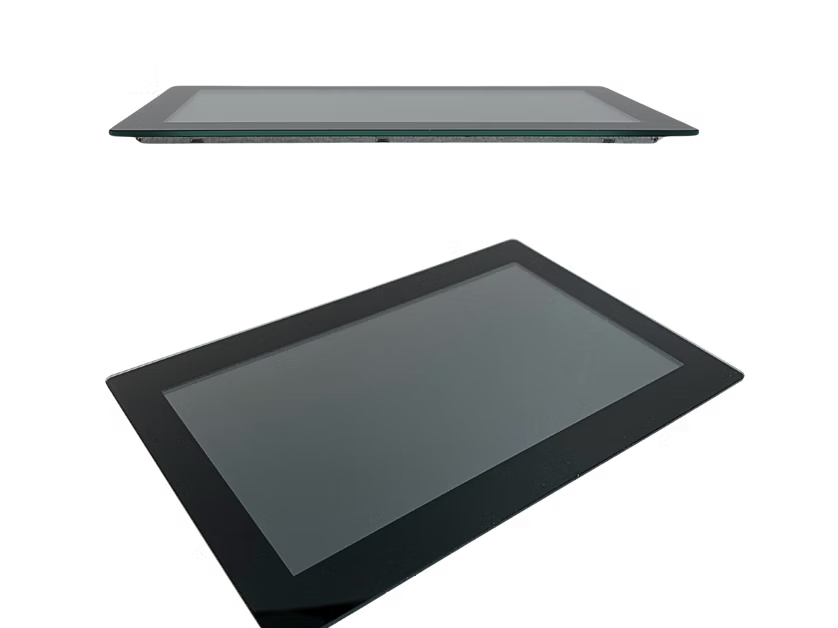
- Cover lens that aligns with the customers’ vision
- Aesthetically pleasing front surface touch panel that enhances product appearance
Specifications
- Touch panel. Range from 3″ to 7″ for handheld devices to 16″ for large industrial kiosks, POS terminals, and HMIs.
- Cover glass thickness. Varies by application, ranging from 0.55mm to 1.8mm for standard usage and up to 6mm for industrial and rugged applications.
- Interface options. USB is the standard interface, with other industrial options available for seamless OEM integration with LCDs.





Custom Industrial Touch Panels From DCLTEK
At DCL Technologies, Inc., our expertise extends to the selection of touch sensor controllers, with a focus on critical considerations that support the following areas for optimal touchscreen performance:
- Connection terminal types
- Custom flex tail shapes
- Firmware optimization
- Interfacing requirements
- Longevity
- Price points
- Various environmental conditions
Contact us today to learn more about industrial touch panel monitors from DCLTEK.


